
Connect your storage
Connect AWS S3 or Cloudflare R2, verify with a connection test, and keep credentials encrypted at rest.
CONTROLLED FILE TRANSFER
DioTrans encrypts files in the browser and delivers them from your AWS S3, Cloudflare R2, or DioTrans R2 storage. Set recipients, expiry, and authentication, and keep a record of every delivery.
Free trial available (up to 28 days)
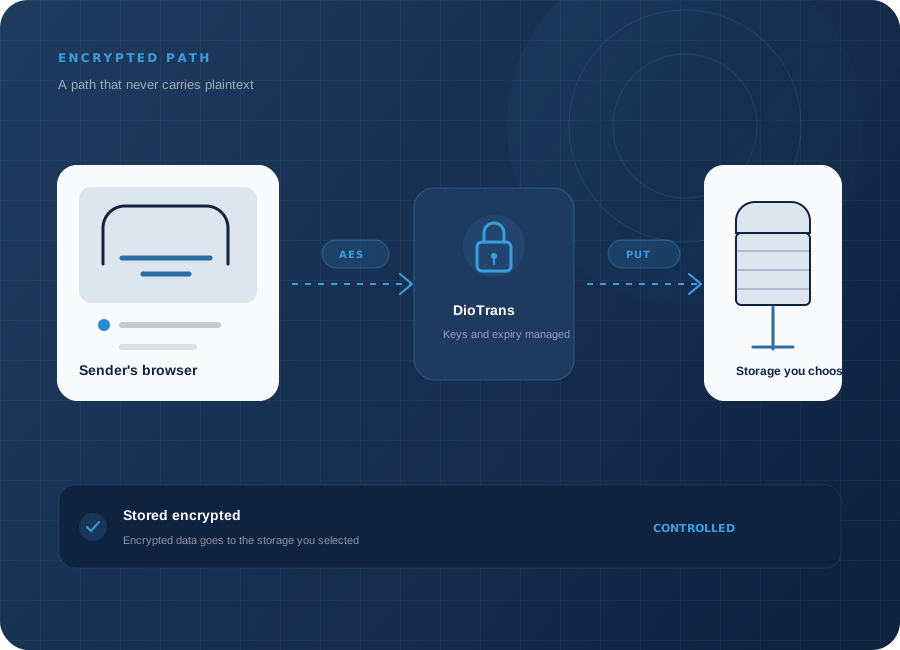
01 Choose your storage
02 Encrypt in the browser
03 Files expire automatically
SCREEN TOUR
Step-by-step instructions are in the manual.
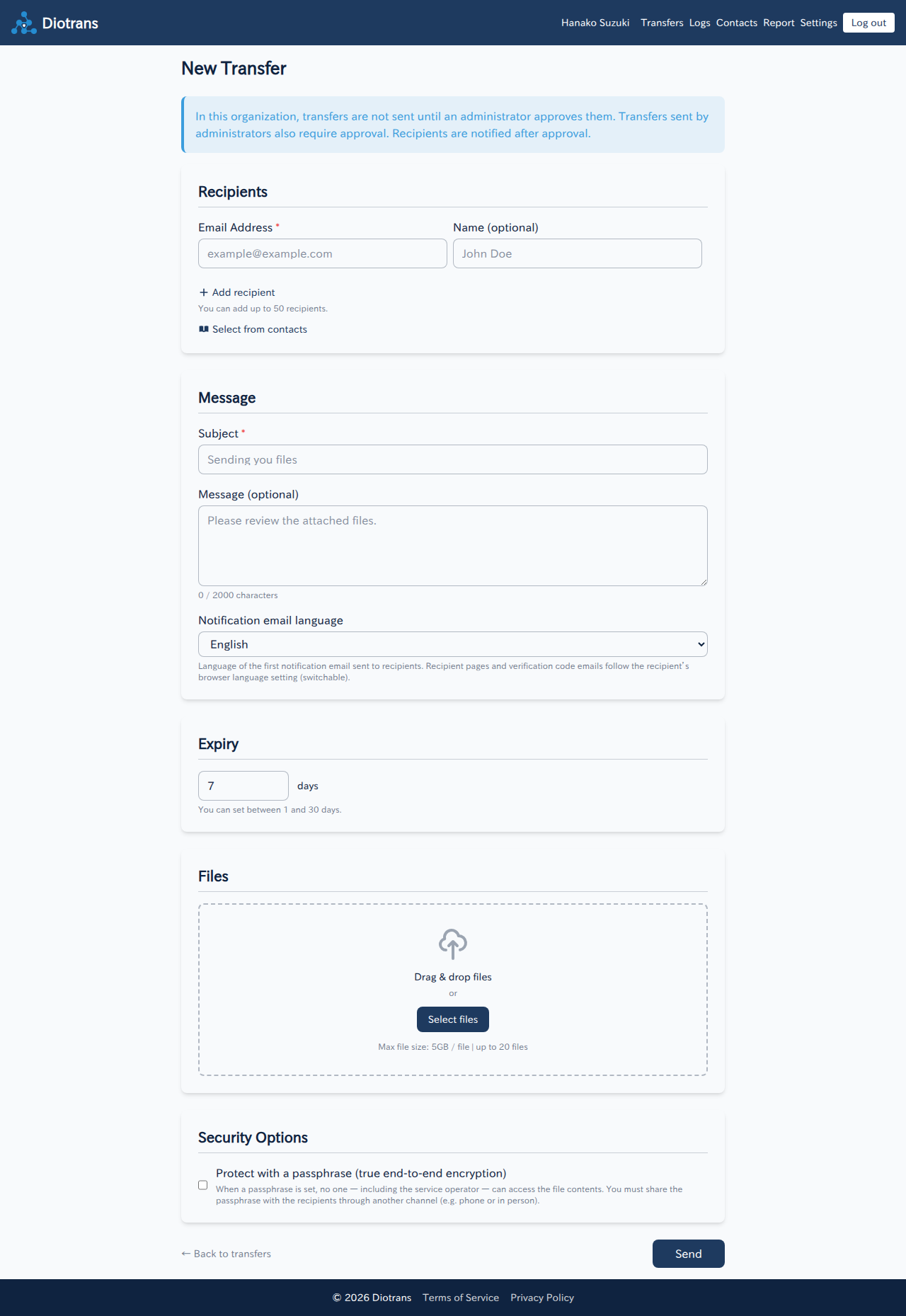
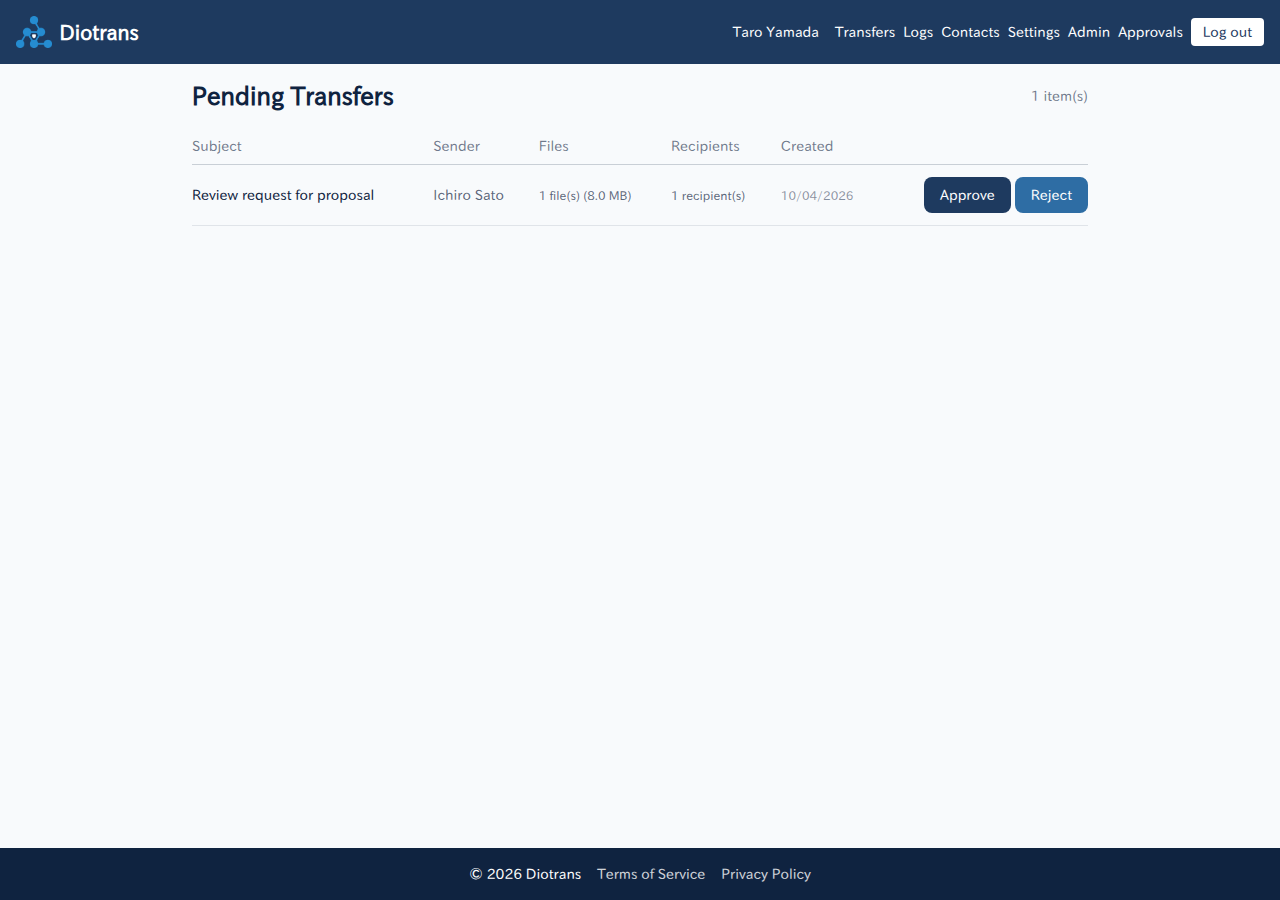
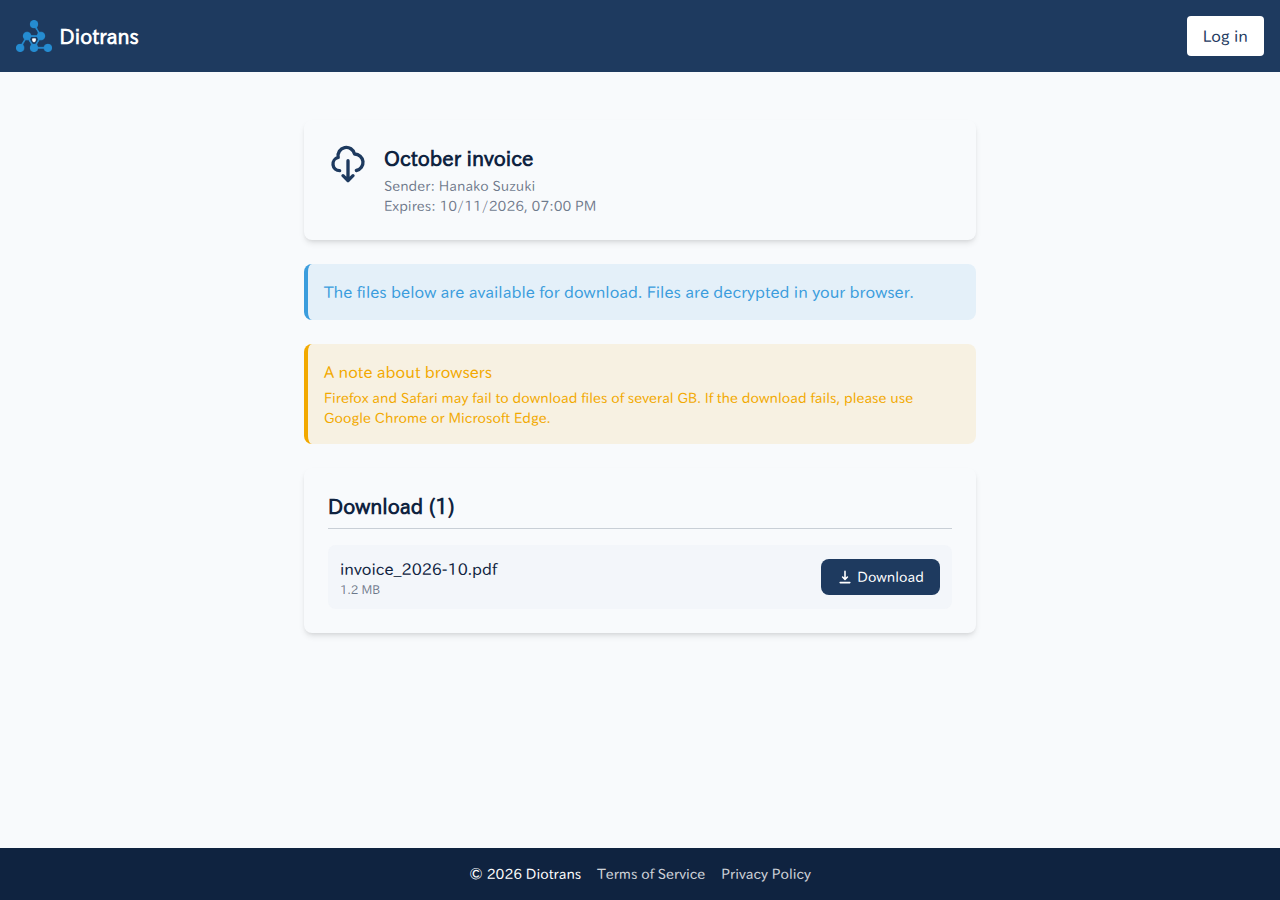
FEATURES
Step-by-step instructions are in the manual.
Connect AWS S3 or Cloudflare R2, verify with a connection test, and keep credentials encrypted at rest.
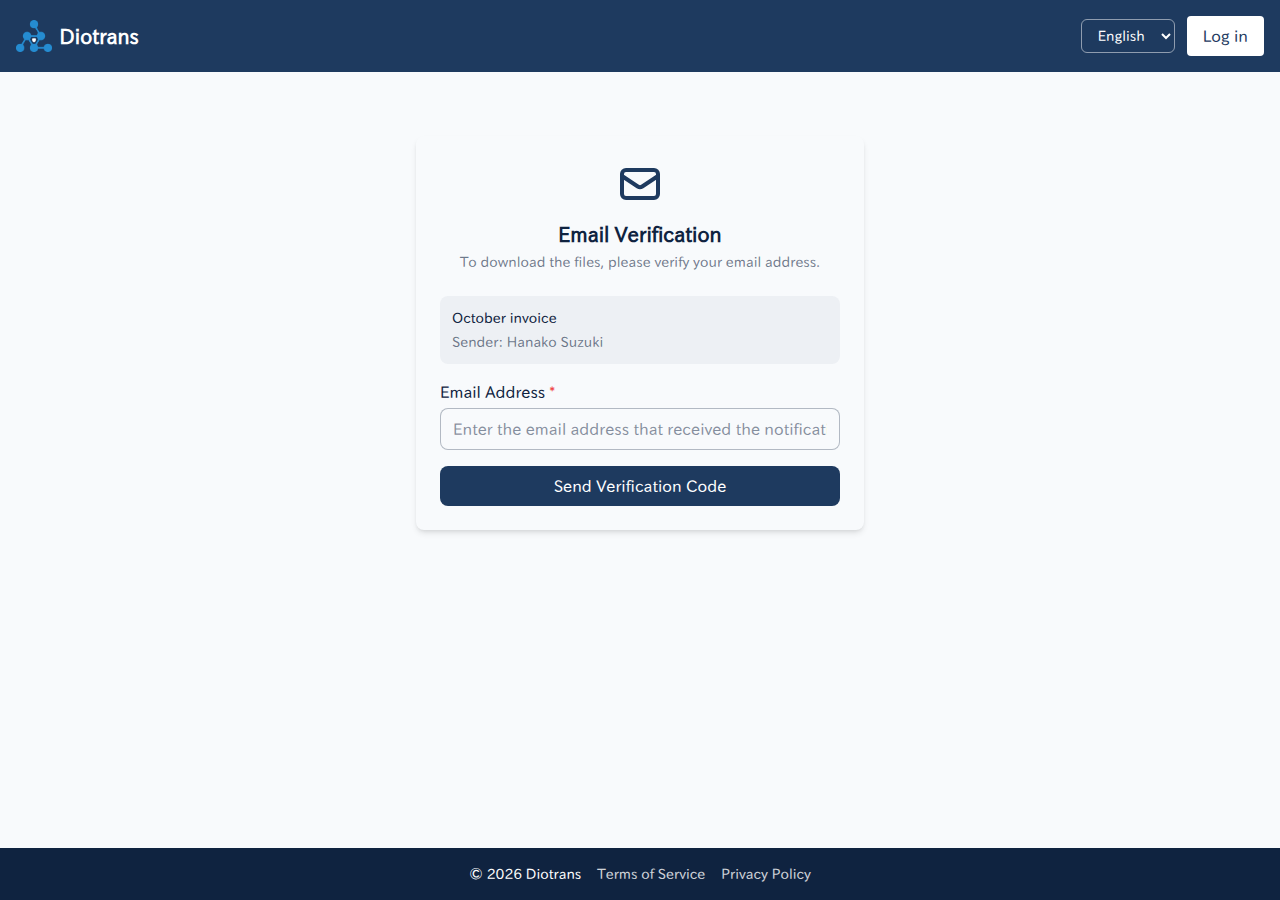
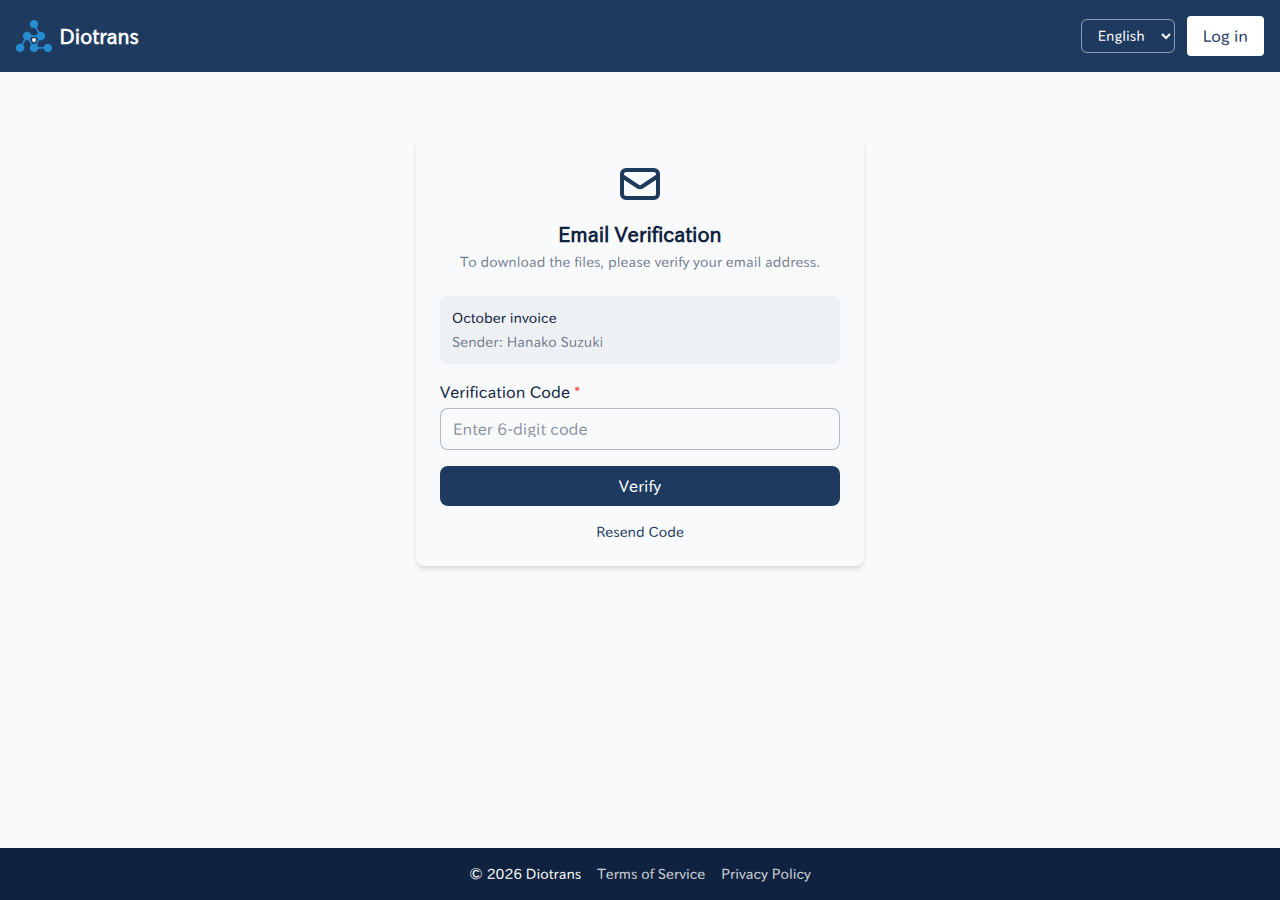
A notification link plus a 6-digit email code ensures only the intended recipient can download.
Files are deleted from storage after expiry. See who downloaded what in the transfer detail and logs.
There is no user limit. Separate administrator and member roles, and invite people from user management.
Save frequent recipients as personal or organization-shared contacts, with CSV import and export.
Configure external OIDC (SSO) and your organization SMTP, or use the built-in defaults.
HOW IT WORKS
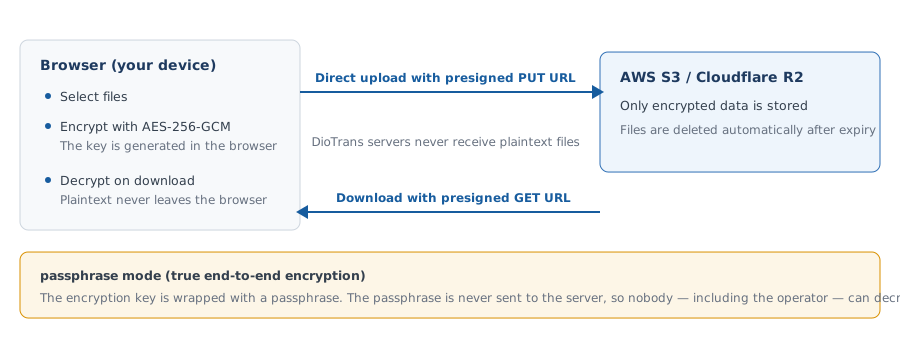
Every step is designed so plaintext never travels through DioTrans servers. Detailed steps are in the manual.
Choose files, recipients, a subject, a message, and a download expiry from 1 to 30 days.
Files are encrypted with AES-256-GCM in the sender’s browser. Only encrypted data is stored in your S3/R2 or DioTrans R2.
Recipients receive a notification email containing a verification link, never a direct download URL.
Recipients enter the code sent to their inbox. The code expires quickly and has a limited number of attempts.
The recipient’s browser fetches the encrypted data and decrypts it locally. Passphrase mode requires the passphrase shared through another channel.
FOR TEAMS
Creating an organization lets you invite members and share the same transfer features. Storage, identity, and email can be connected to fit your environment.
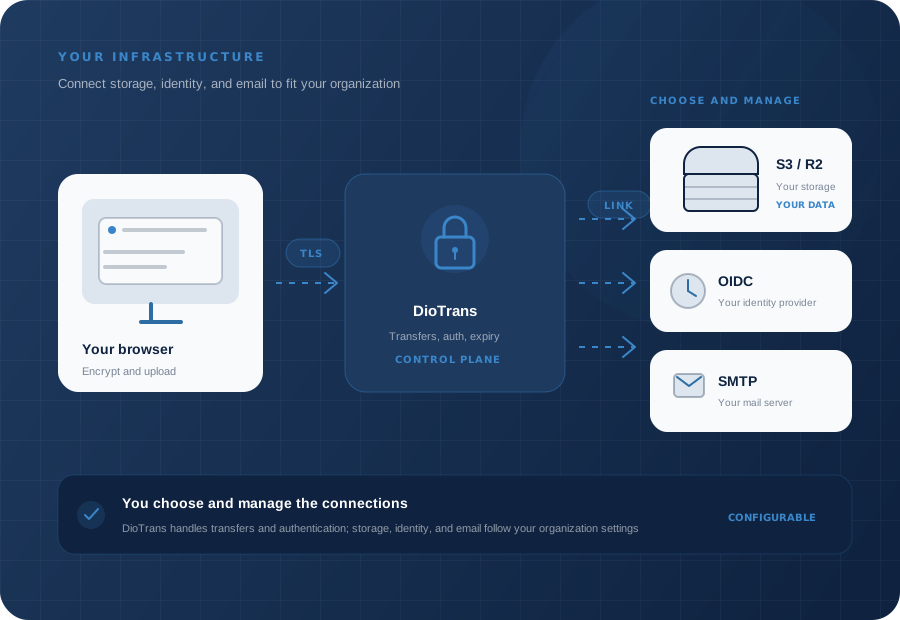
There is no user limit. Separate administrators and members, and invite people from user management.
Use your own AWS S3 / Cloudflare R2, or let DioTrans R2 handle storage for you.
Connect your organization OIDC (SSO) and SMTP, or use the built-in defaults.
SECURITY, EXPLAINED
DioTrans keeps as little information as possible, and lets you choose between operational convenience and stronger secrecy.
Files are encrypted in the browser and are never sent to DioTrans servers in plaintext. Only encrypted data is stored in your chosen S3/R2 or DioTrans R2.
The Japan version is available today. Regional legal documents and EU service information will be added as each region becomes available. See Security for encryption details.
The encryption key is protected and stored by the service. A practical default for organizations, but the operator could theoretically decrypt files.
The passphrase is never sent to the server, so nobody on the server side — including the operator — can decrypt. If lost, the files cannot be recovered.
START SMALL
Seven days free, extended by 21 days when you connect your own S3/R2 — up to 28 days. Files are limited to 3 MB during the trial.