
Before you contact us
Read the manual
Sign-up, sending, receiving, and settings are covered in the manual.
Check the FAQ
Storage, encryption, pricing, and deletion basics are in the FAQ.
Check the service status
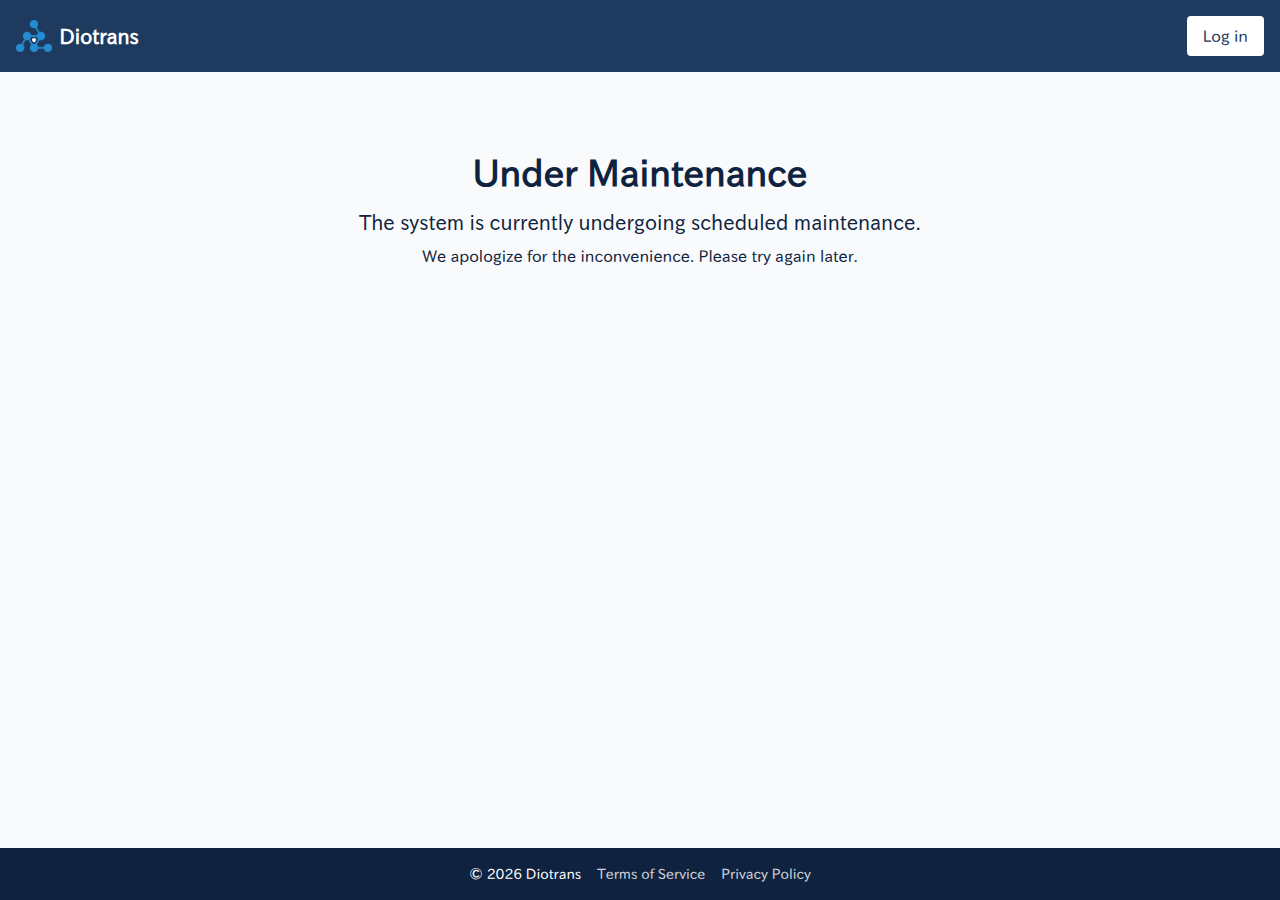
Incident and maintenance notices are shown on the app’s top page.
Common errors and fixes
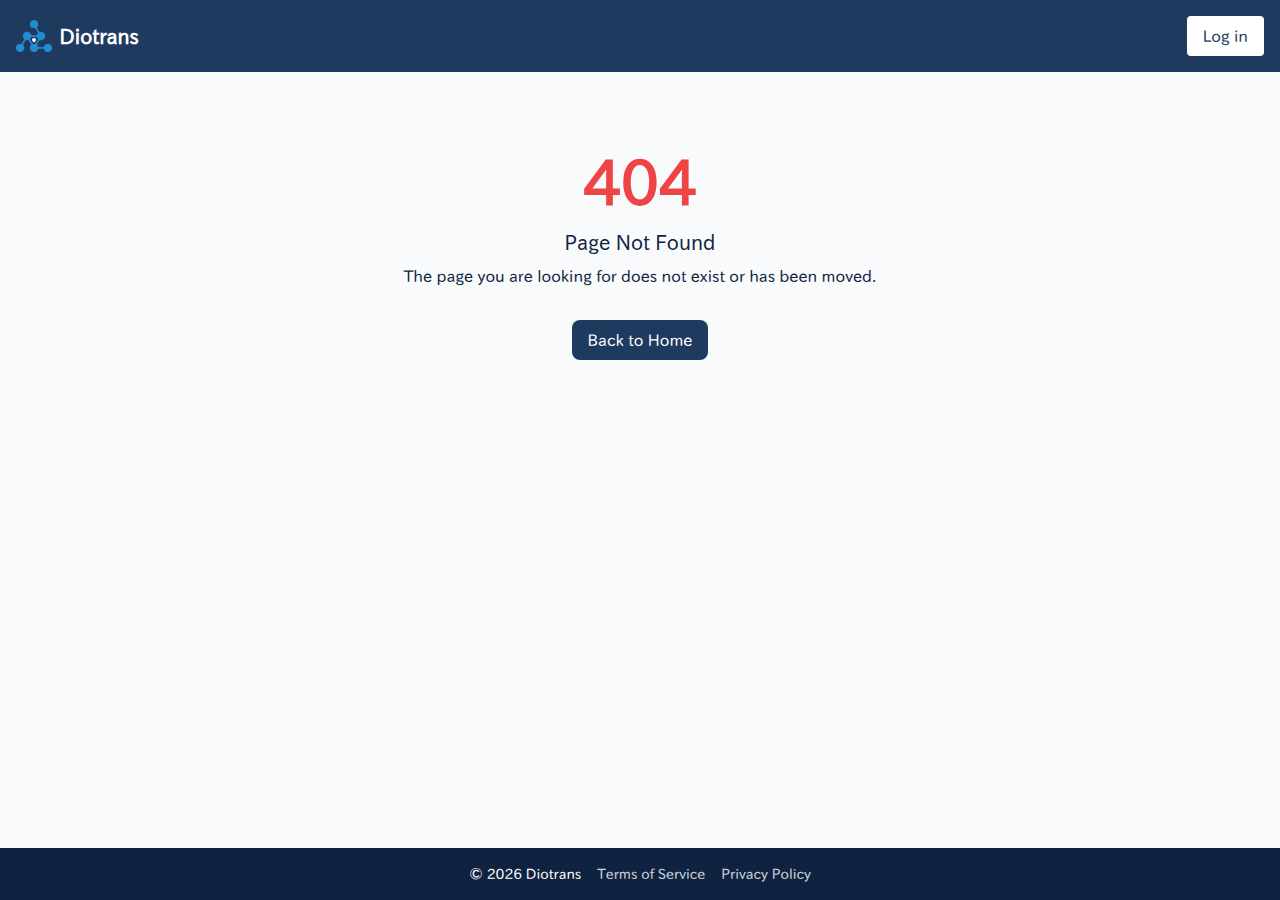
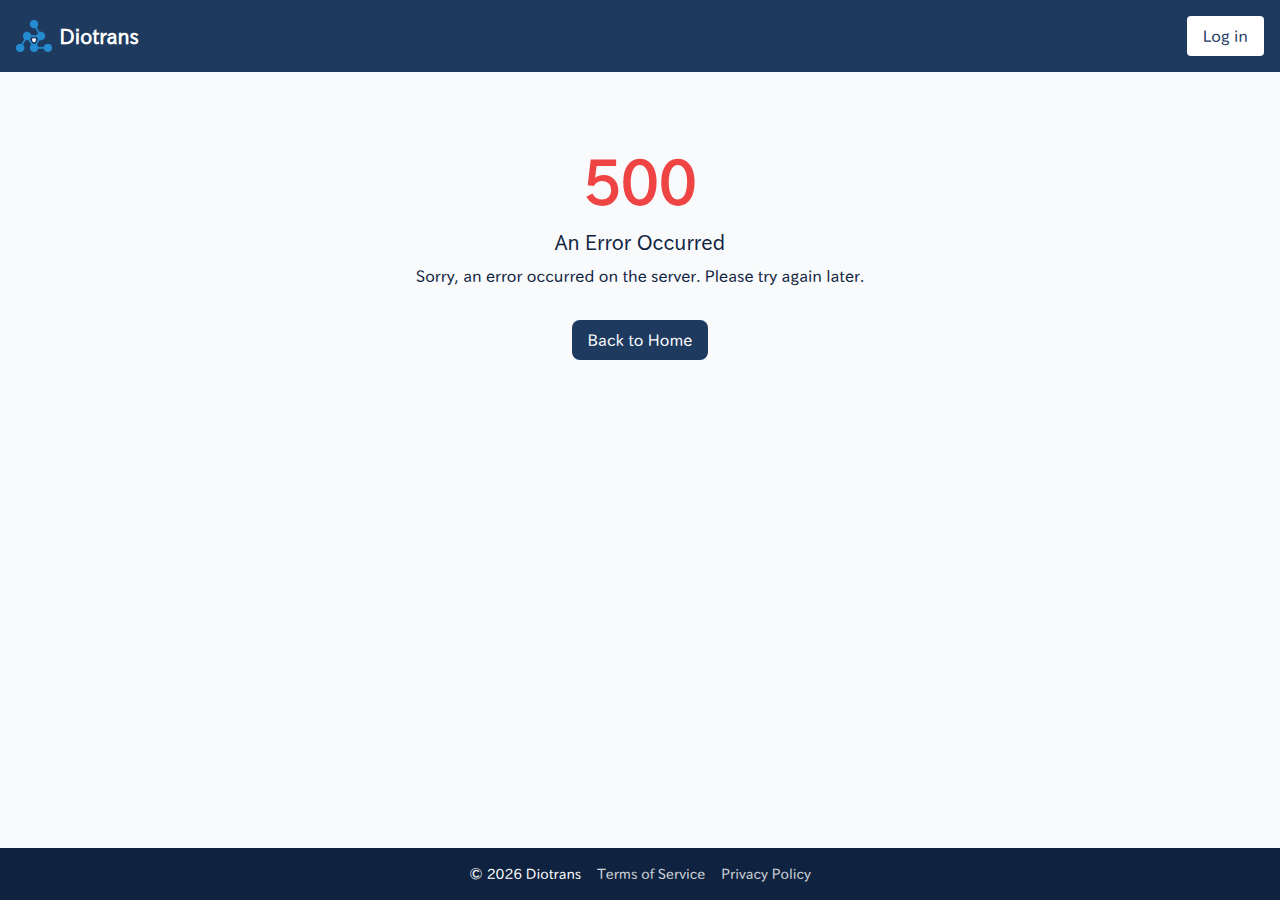
These are the error screens you may see, and what to try first.
Frequently asked questions
Where are the files stored?
You can choose your own AWS S3 / Cloudflare R2 or DioTrans R2. Only encrypted data is stored, and files are deleted automatically after their expiry.
Do recipients need an account?
No. Recipients only need the link in the notification email and the 6-digit verification code sent to their inbox.
How long is the free trial?
Seven days from sign-up. Connecting AWS S3 or Cloudflare R2 extends it by 21 days, up to 28 days. Files are limited to 3 MB during the trial.
Contact channel
[email protected]
Support hours: 9:00–17:00 JST
Telephone support is not available. Please contact us by email.
Usage questions, billing, defects, security reports, and abuse reports are all handled at this address. Do not send vulnerability or abuse details publicly.
Send an emailUse the contact form
What to include in your message
What you were trying to do
Describe what you wanted to do and how far you got (which screen and button). Check the matching steps in the manual too.
Reproduction details
Include the steps, the time it occurred, your browser and version, and any error message shown. Do not send files or passphrases.
Subscription details
Include your registered email address and the billing date and amount. Do not send payment details such as card numbers.