The service and your upload destination
Where are the files themselves stored?
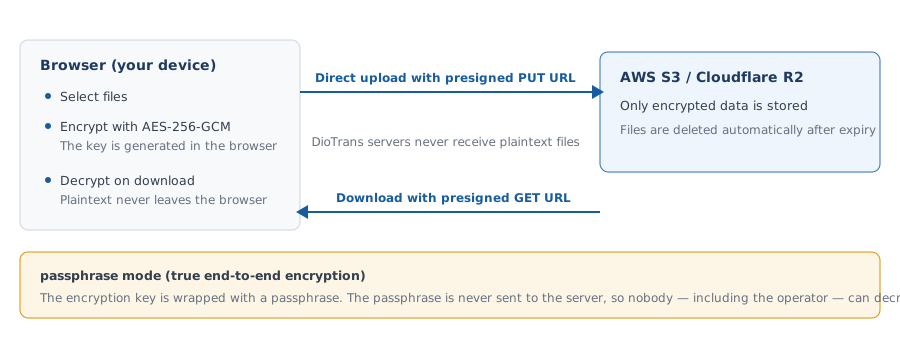
Choose your own AWS S3 / Cloudflare R2 or DioTrans R2. Only encrypted data is stored at the upload destination, and it is deleted automatically after the download expiry.
Do I need to prepare my own S3 or R2?
No. You can connect your own storage, or use DioTrans storage if you do not have any.
Is there a limit on the number of users?
We do not set a user limit. Add members to your organization and use DioTrans as a team.
Free trial and pricing
How long is the free trial?
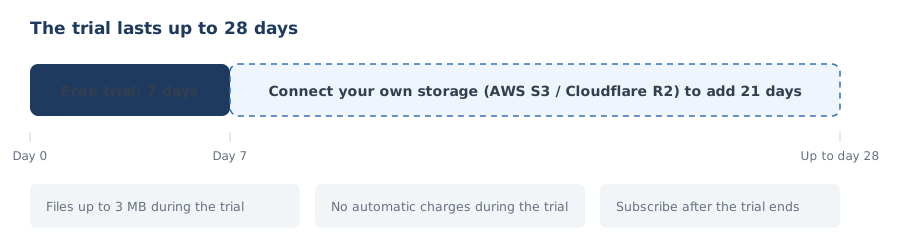
7 days after sign-up. Completing AWS S3 or Cloudflare R2 setup extends it by 21 more days, up to 28 days. Files are limited to 3 MB during the trial.
Does the trial cost anything?
No. No credit card is required during the trial and you are never charged automatically. Subscribe to a paid plan to keep using the service.
Contracts and billing
When does the contract period start and end? Is it monthly?
Paid plans are billed monthly in advance. The day your payment completes is the contract date, and the period ends on the same day of the following month. The contract renews automatically, and the next month is charged at the end of each period. You can see the current period end (next renewal date) in the contract section of the app’s settings screen.
Are payments automatic?
Yes. Your registered card is charged automatically every month on the same day as the contract date. If a payment fails, Stripe retries automatically, and features such as file transfers are suspended until the payment completes. The service resumes promptly once payment succeeds.
Do I get a refund if I cancel?
No. If you cancel mid-period, we do not prorate or refund. You can keep using the service until the end of the current billing period. If you believe there was an obvious billing error such as a duplicate charge, please contact support.
Can I change my plan? What happens to billing if I do?
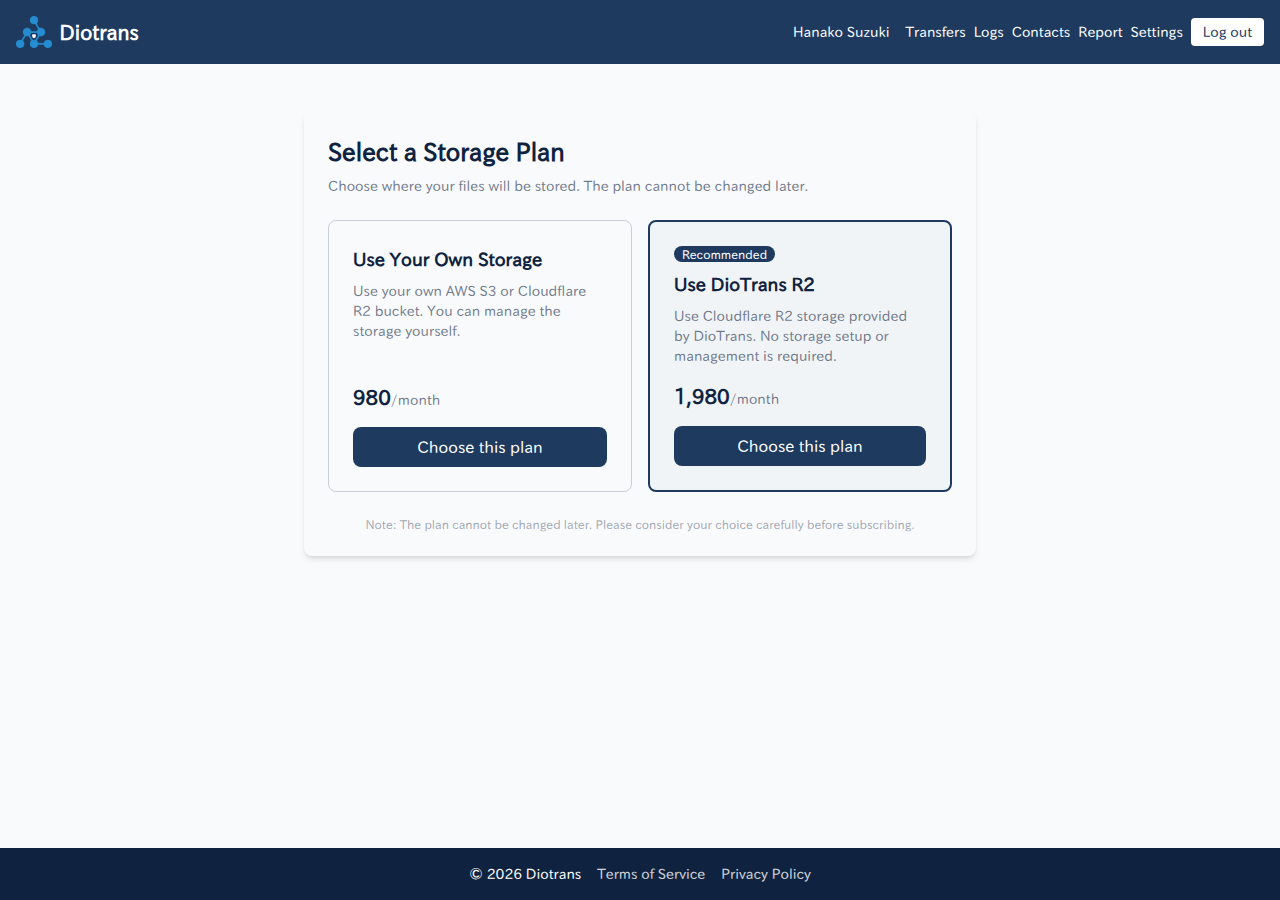
Yes. You can switch between your own storage and DioTrans R2 from “Manage payment details” (the Stripe customer portal) in the app’s settings. Stripe calculates the difference on a prorated basis and reflects it in your billing (how the change is applied follows your Stripe configuration).
What happens to in-progress transfers if I change plans?
Nothing changes. Transfers you have already created keep referencing the storage destination they were created with, so recipients can still download them until the download expiry. The new plan applies to transfers created after the change. However, if the destination is your own storage (AWS S3 / Cloudflare R2) and you cancel that storage or delete its bucket or credentials, those transfers become unavailable even before the expiry (DioTrans keeps no copy, so they cannot be recovered).
What happens to in-progress transfers if I cancel?
Transfers you have already sent remain downloadable until their download expiry even after cancellation. However, transfers that used your own storage (AWS S3 / Cloudflare R2) become unavailable even before the expiry if you cancel that storage or delete its bucket or credentials (DioTrans keeps no copy, so they cannot be recovered). The files are deleted automatically from the storage when the expiry passes. You can keep using the app until the end of the current billing period; after that you cannot create new transfers.
Encryption and security
Can DioTrans administrators see my files?
Files are encrypted in the browser and cannot be viewed in normal administrative operations. In standard mode the operator could theoretically decrypt them, so use passphrase mode if you do not want even the operator to be able to decrypt.
What happens if I forget the passphrase?
In passphrase mode the passphrase is never stored on the server. If it is lost, nobody—including the operator—can decrypt the files. Share it with recipients through another secure channel.
Do recipients need an account?
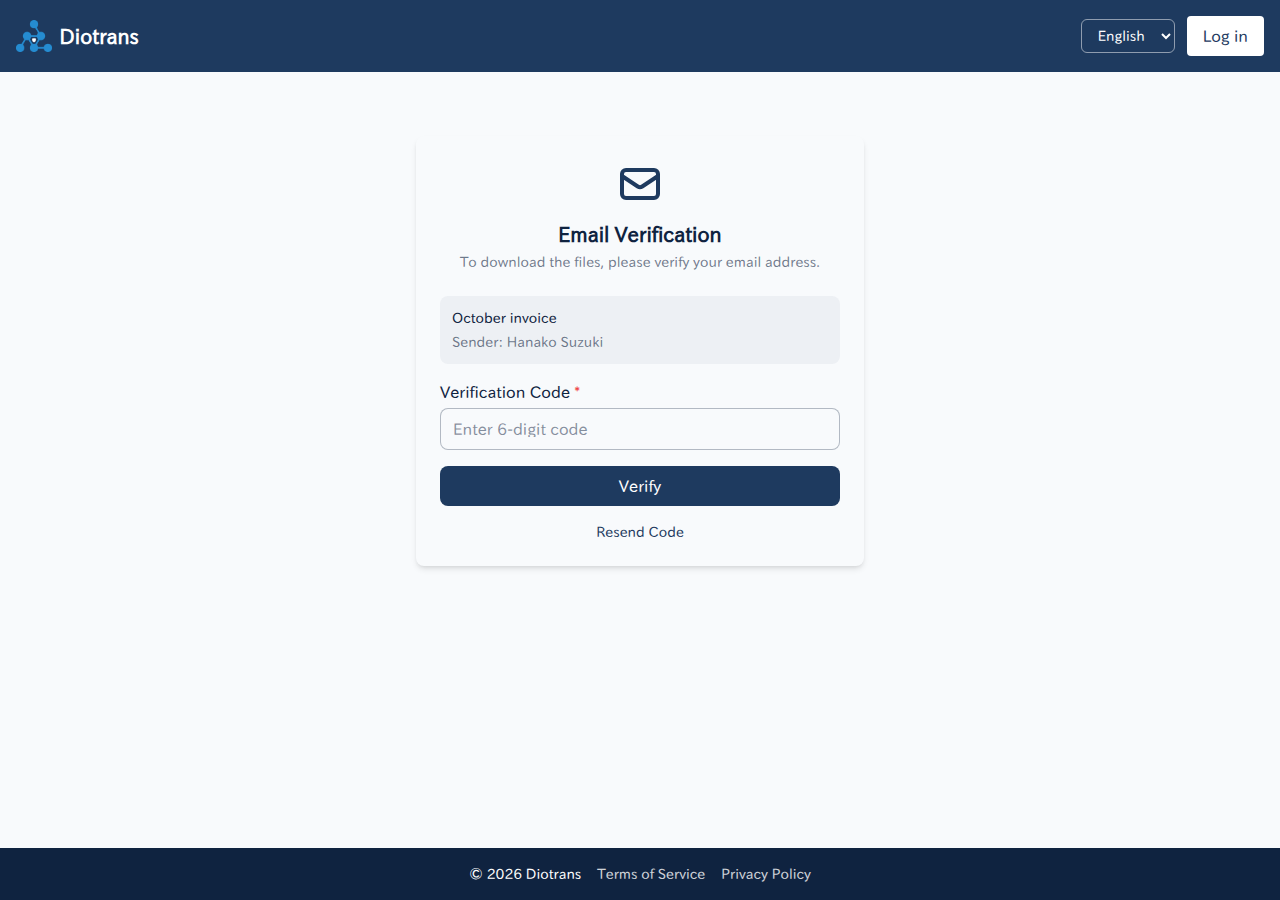
No. Recipients open the link in the notification email, verify their email address, and enter a 6-digit verification code to download.
Receiving and downloading
The verification code email has not arrived.
Check your spam folder, wait a few minutes, and choose “Resend code”. If it still does not arrive, check that you entered the correct email address.
I see “This link has expired”.
The transfer has passed its expiry. Files are deleted automatically, so ask the sender to send them again.
Downloading a large file fails.
Try Google Chrome or Microsoft Edge. Firefox and Safari may fail. Also check your device’s free space and connection.
Organizations and accounts
Do I have to create an organization?
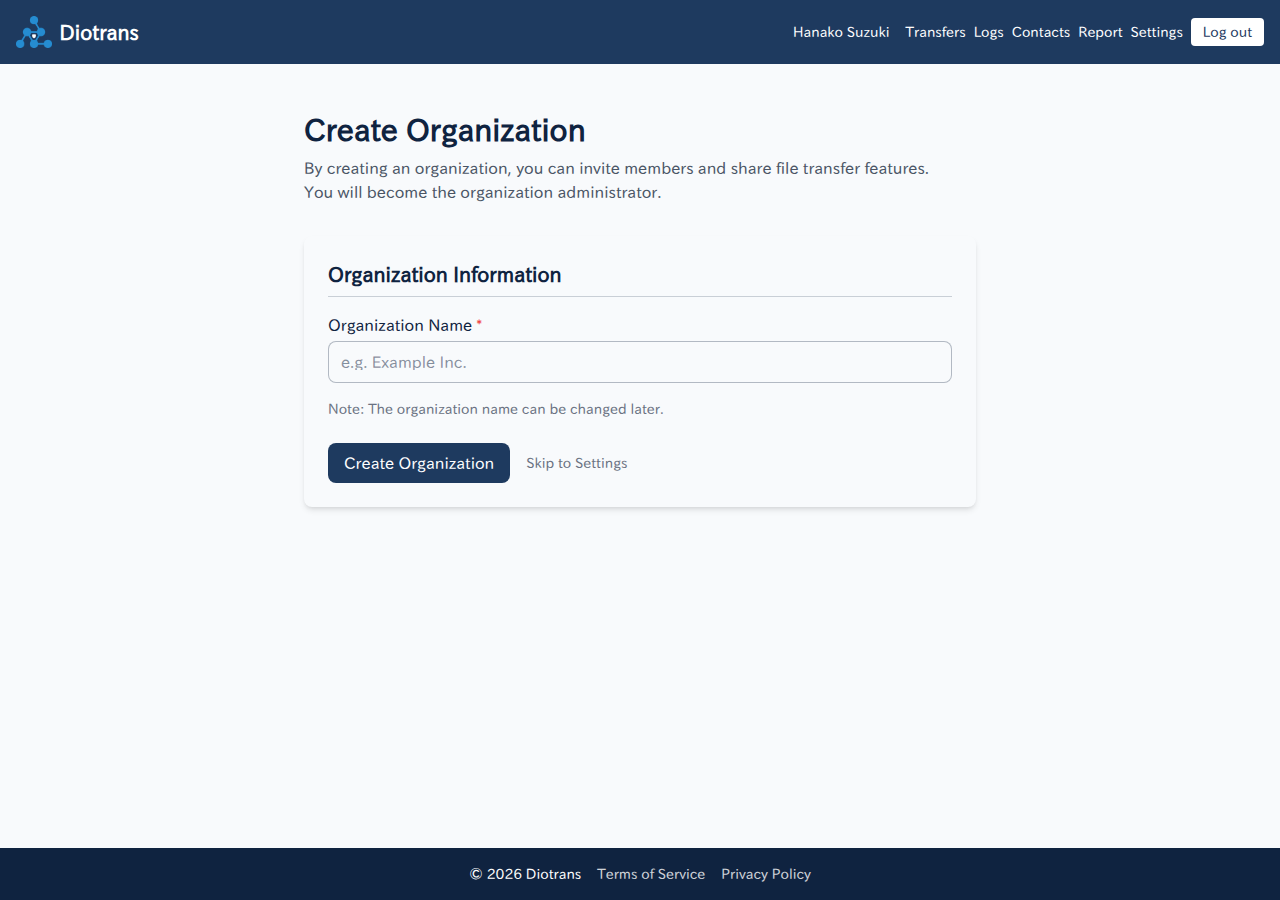
The organization creation screen appears at sign-up. Set an organization name there if you use DioTrans as a team. If you skip it, an organization named “(your name)’s Organization” is created at your first log-in. Administrators can rename it later.
Can I change my email address?
If you registered a DioTrans account, you cannot change the email address yourself. An organization administrator requests the change from user management, and you confirm it via the approval link sent to your current address. If you log in with external OIDC, change it in your identity provider. See the manual for details.
Does deleting my account also delete my data?
Account information, transfer metadata, logs and similar data are deleted. Data that must be retained by law, and data in your own storage, are described in the Privacy Policy and Terms of Service.
Where do I contact support?
See Support or email support@diotrans.app.