
Plans and billing
This page explains how to subscribe after the trial, manage payment details and invoices, and cancel. Payments are processed by Stripe.
1Plans and prices
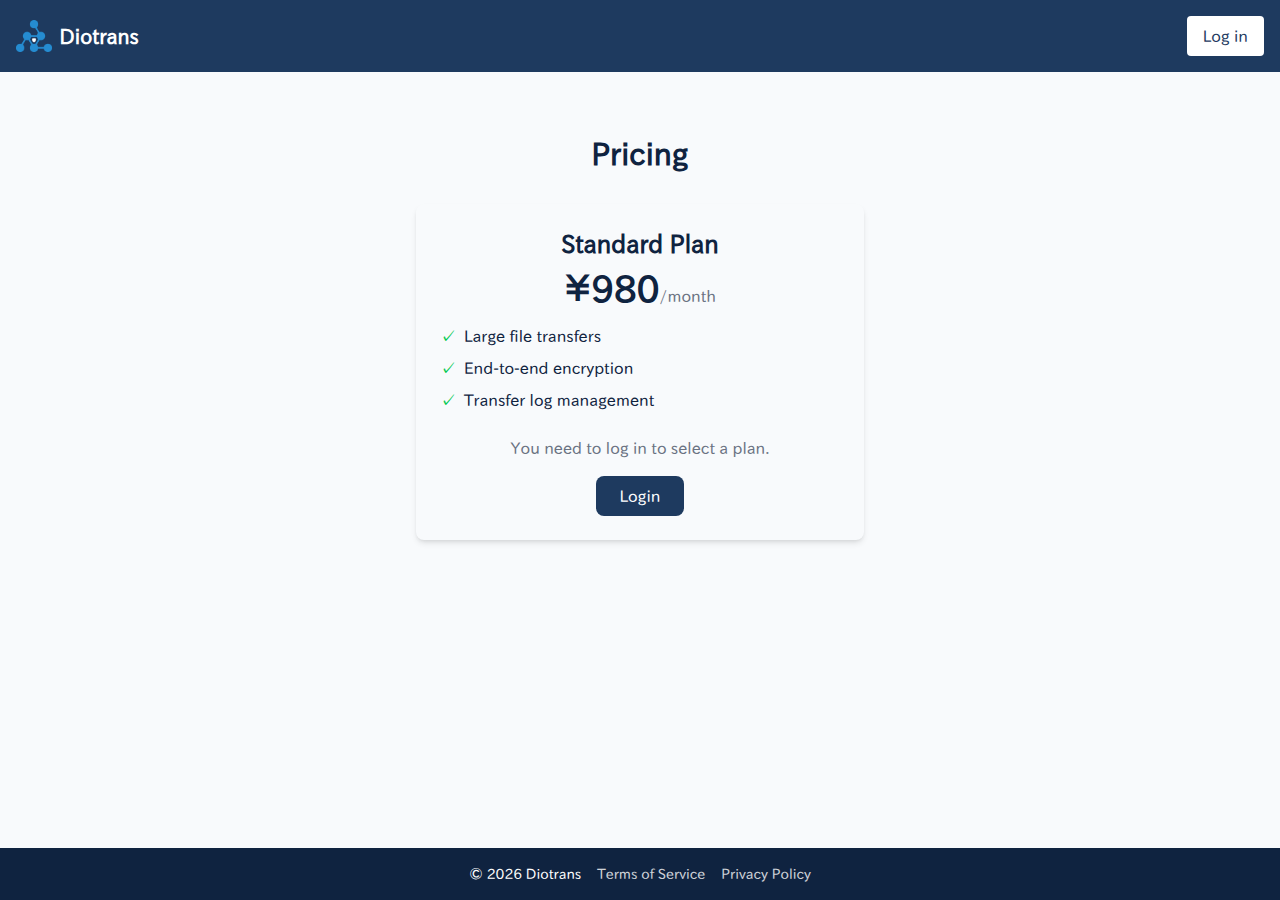
| Plan | Monthly (tax excluded) | Details |
|---|---|---|
| Use your own storage (AWS S3 / Cloudflare R2) | ¥980 | Files are stored in your own bucket. You prepare and manage the storage; connecting it extends the trial by 21 days. |
| Use DioTrans R2 | ¥1,980 | Files are stored in Cloudflare R2 provided by DioTrans. No storage setup or management is required. |
- Prices exclude tax. Tax is calculated automatically by Stripe at the rate applied at billing time.
- The price is per user; there is no limit on the number of members in your organization.
- The storage plan cannot be changed later. Consider your choice before subscribing.
2Subscribing to a paid plan
Open “Settings > Subscription”
The organization owner performs the subscription. Members do not see the subscription controls.
Choose a plan
Choose “Select plan” to continue to the payment screen for the storage plan you chose during the trial.
Enter payment details on Stripe
Enter your card details to complete the subscription. Payment details are stored by Stripe; DioTrans never stores your card number.
Confirm
A confirmation screen appears when the subscription is complete. From then on, you are billed monthly on your subscription date.
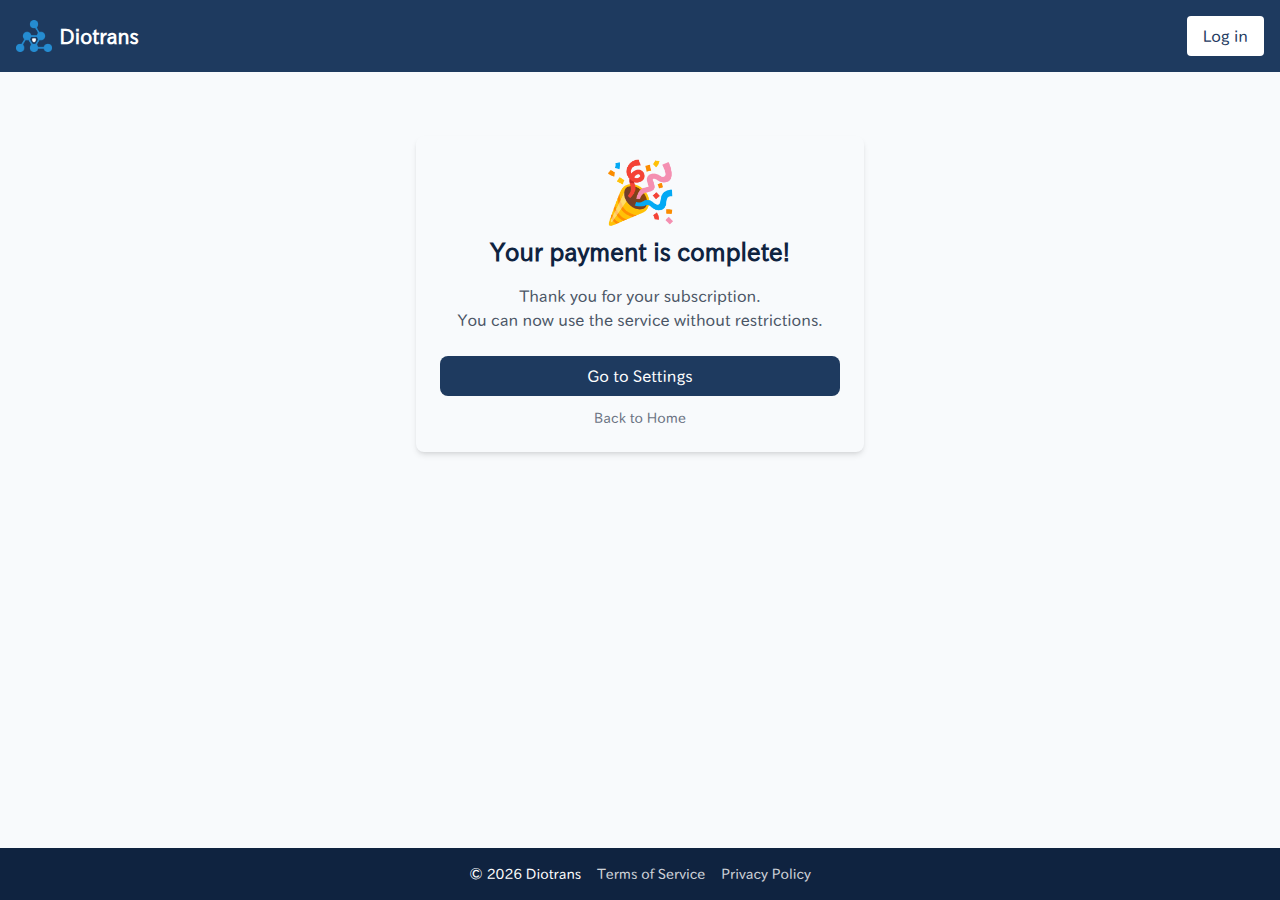
A confirmation screen appears when the subscription is complete.
Plans are billed monthly in advance, based on the date you subscribed (for example, if you subscribe on the 3rd, the next charge is on the 3rd of the following month). Subscriptions renew automatically until cancelled.
3Managing payment details
To change your payment method or view billing history, choose “Manage payment details” under “Settings > Subscription” to open the Stripe customer portal.
4Cancelling
You can cancel from the Stripe customer portal. Cancelling stops renewal from the next billing date, and you can keep using the service until the end of the current billing period. Cancelling mid-period does not produce a refund.
5If a payment fails
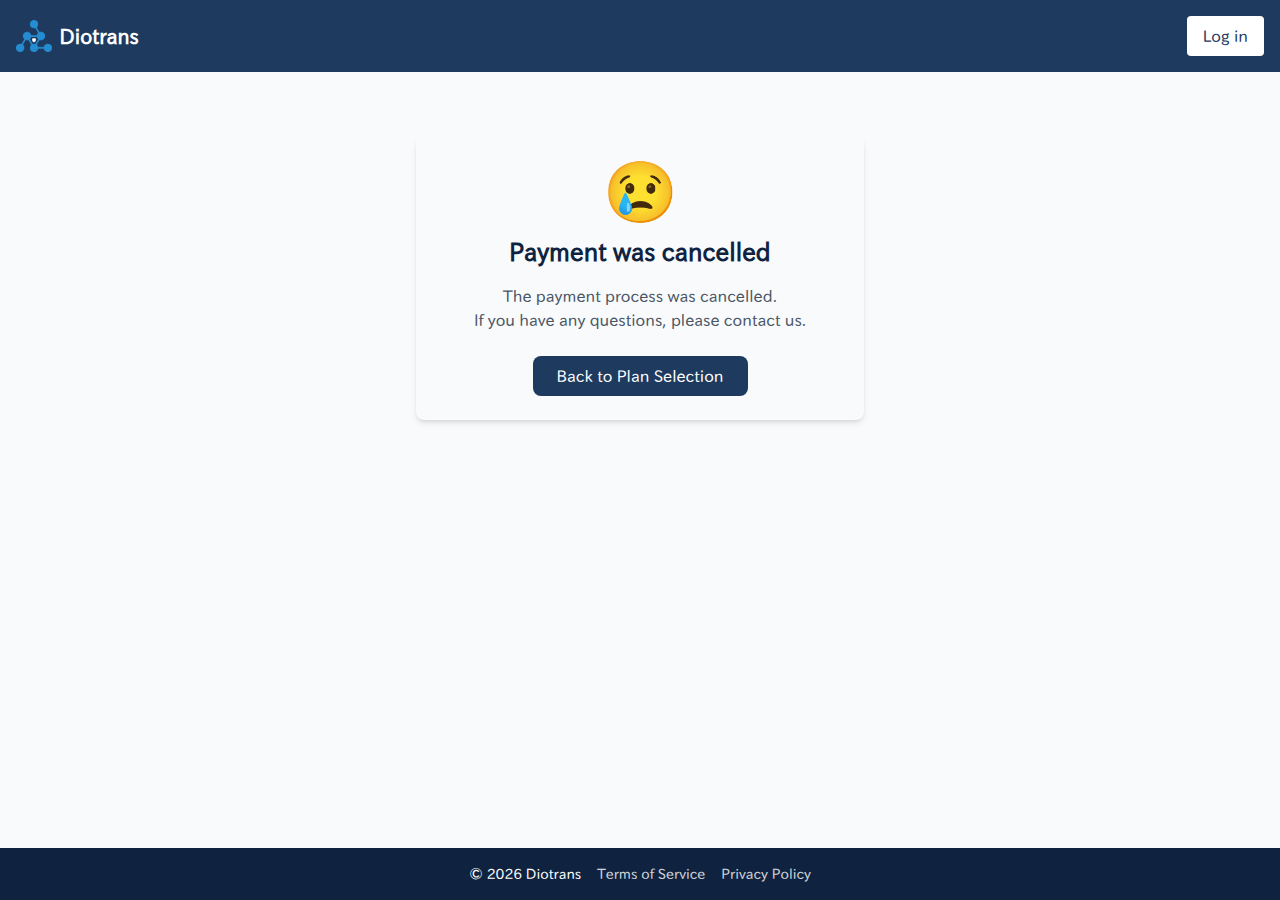
Stripe retries automatically until the payment completes. Until then, some features such as transfers are paused; they resume promptly once payment succeeds. There is no grace period.
6When the trial ends
When the trial ends, some features such as creating new transfers stop until you subscribe to a paid plan. You can still view past logs regardless of your subscription status.
See Pricing, Billing, cancellation and refunds (Japanese), and the Terms of Service for details.