
Receiving files
This page covers what recipients do after receiving a notification email. No account is required just to receive files.
1Download flow
Open the notification email
When a transfer arrives, DioTrans sends you a notification email. Check the subject and sender, then open the verification link in the message. Notification emails never contain a direct download URL.
Enter your email address
Downloads require email verification. Enter the address that received the notification and choose “Send verification code”.
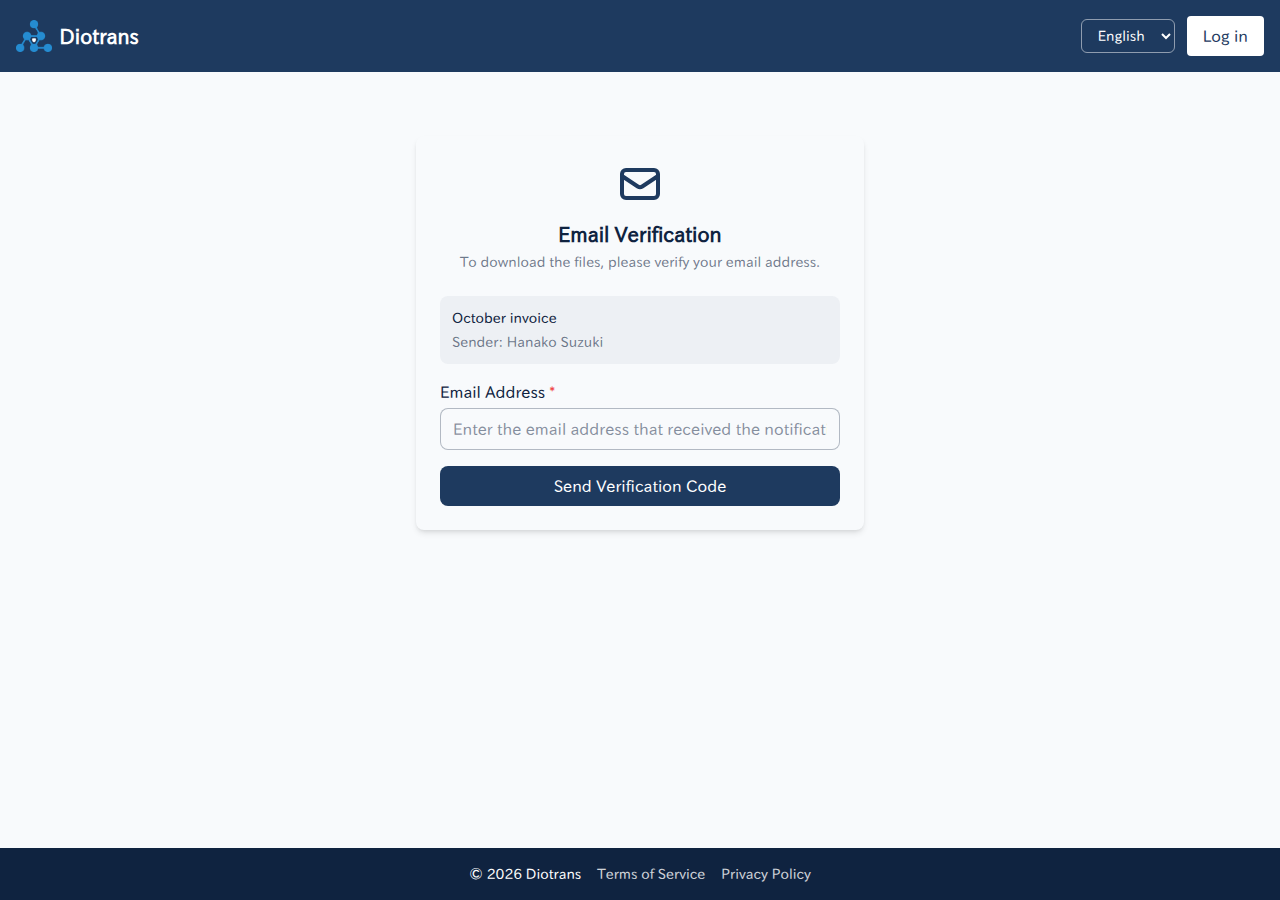
Email verification (step 1). Enter the address that received the notification. Enter the verification code
A 6-digit code is sent to that address. Enter it and choose “Verify”. The code expires quickly, so enter it as soon as it arrives. If you cannot, choose “Resend code”.
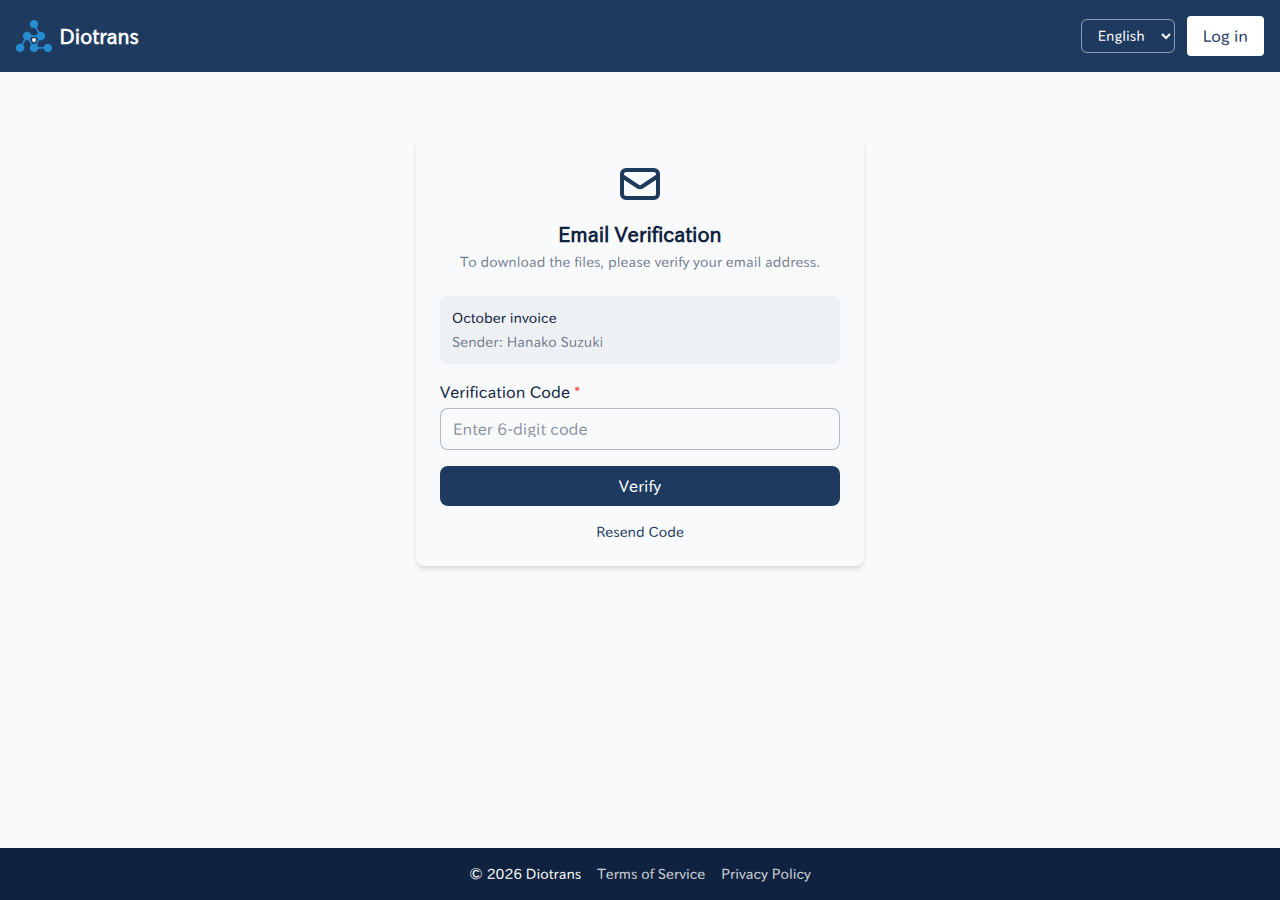
Email verification (step 2). Enter the 6-digit code. Download the files
After successful verification, the download screen appears. Choose “Download” for each file. Your browser fetches the data and decrypts it locally before saving.
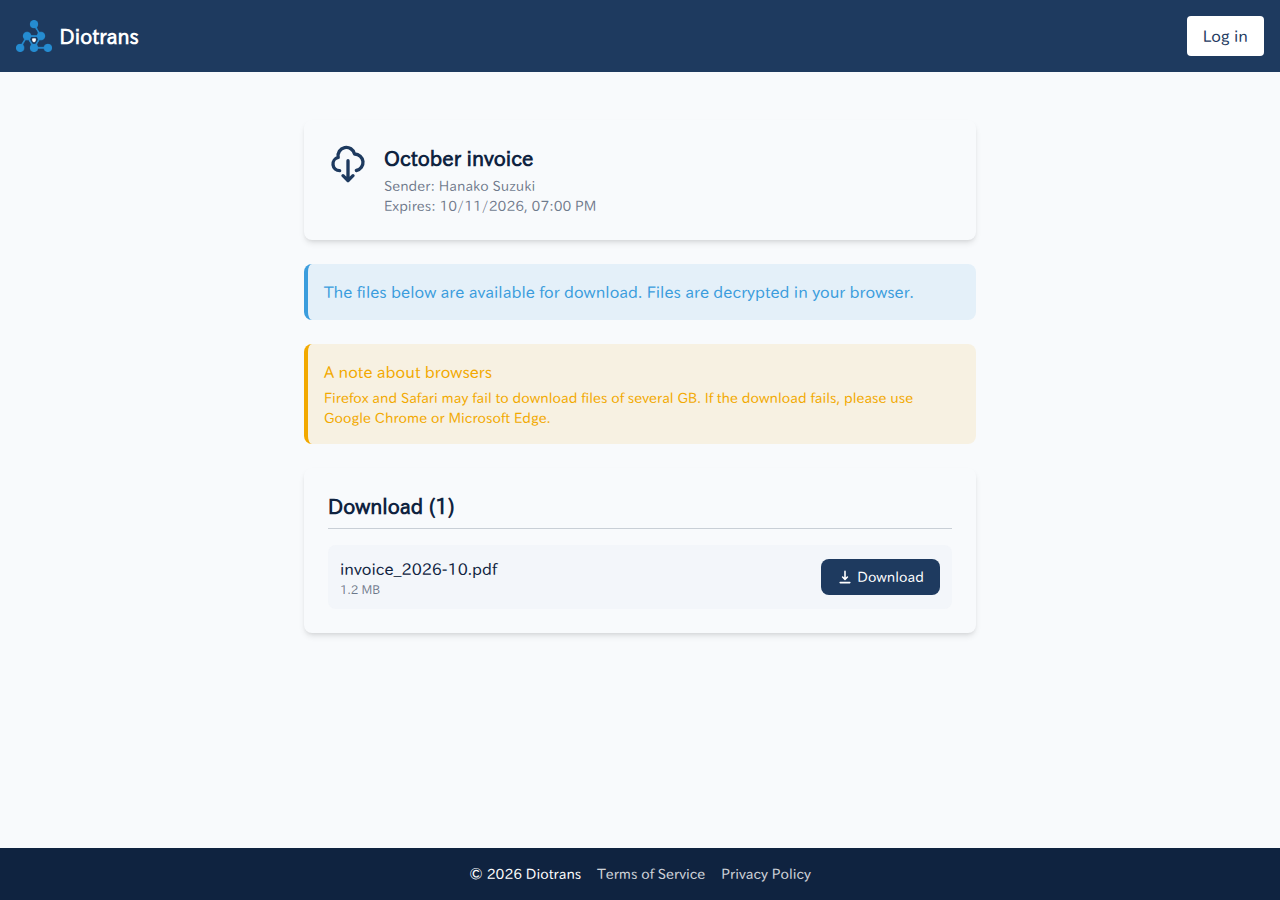
The download screen. For large files, Google Chrome or Microsoft Edge is recommended. If the transfer is passphrase-protectedWhen the sender set a passphrase, you will be asked for it when downloading. Enter the passphrase you received from the sender through another channel, such as phone or in person.
2Troubleshooting
| Problem | What to check |
|---|---|
| The verification code does not arrive | Check that the email address you entered is correct and look in your spam folder. Wait a few minutes, then choose “Resend code”. |
| The screen says the transfer has expired | The transfer has passed its expiry. Files are deleted automatically, so ask the sender to send them again. |
| Large downloads fail partway | Try Google Chrome or Microsoft Edge; Firefox and Safari may fail. Also check your device’s free space and connection. |
| I do not know the passphrase | Ask the sender. If the passphrase is lost, neither the sender nor DioTrans can decrypt the files. |
3Receiving safely
- Do not forward the verification link to anyone else. Email verification exists to prevent links from spreading.
- If you receive a notification you were not expecting, do not open the link. Delete it and, if appropriate, report it.
- If you notice a suspicious transfer or a widely shared link, report it from “Report” in the app (if you belong to an organization).